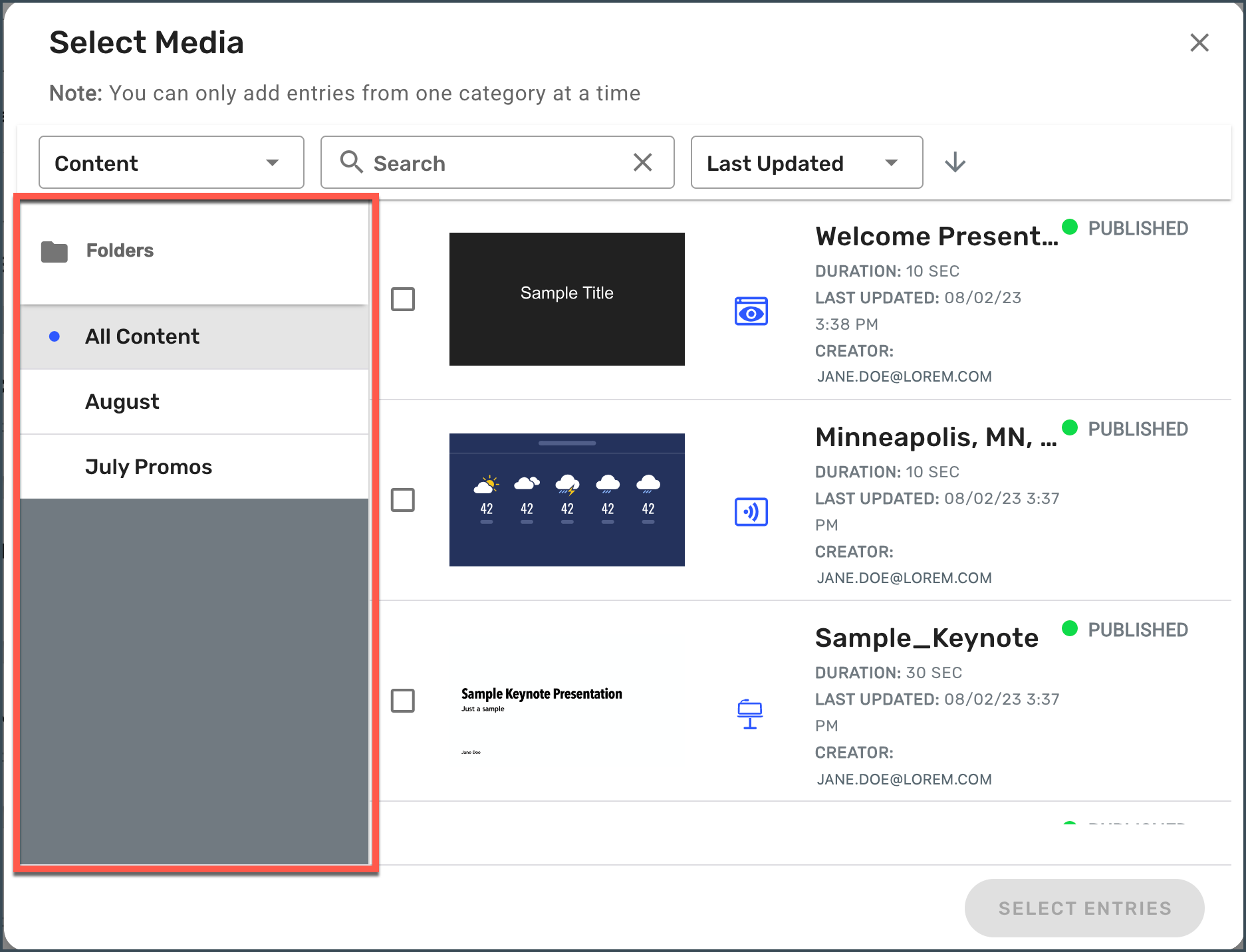
What are Content Folders?
Content Folders can be used to organize your content into categories or groups that fit your needs. For example, creating a folder to organize all of your August company announcements can help declutter your content list and make it easier to find content. You may also decide to organize your content by creating a folder for each department or team within your organization.
You can open the Content Folders menu by clicking on the folder icon in the header on the left of the search field.


You can also leverage Content Folders from the Select Media popup for Programs, Playlists, Collections, and Displays.