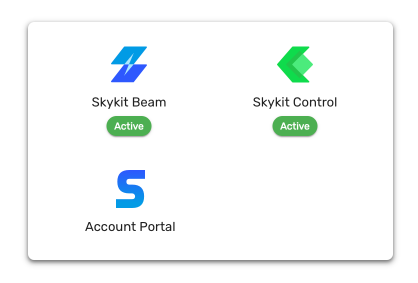
The product launcher menu helps you navigate to any of Skykit products or account portal easily whether you’re currently viewing Skykit Control, Skykit Beam, or Skykit Accounts.
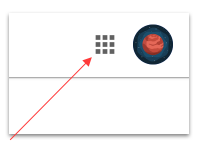
In the upper right hand corner of your screen, click the nine dot icon.
When the product launcher opens, click the link to the product you want to access.
Note
Skykit products are available depending on your Skykit plan and user role.