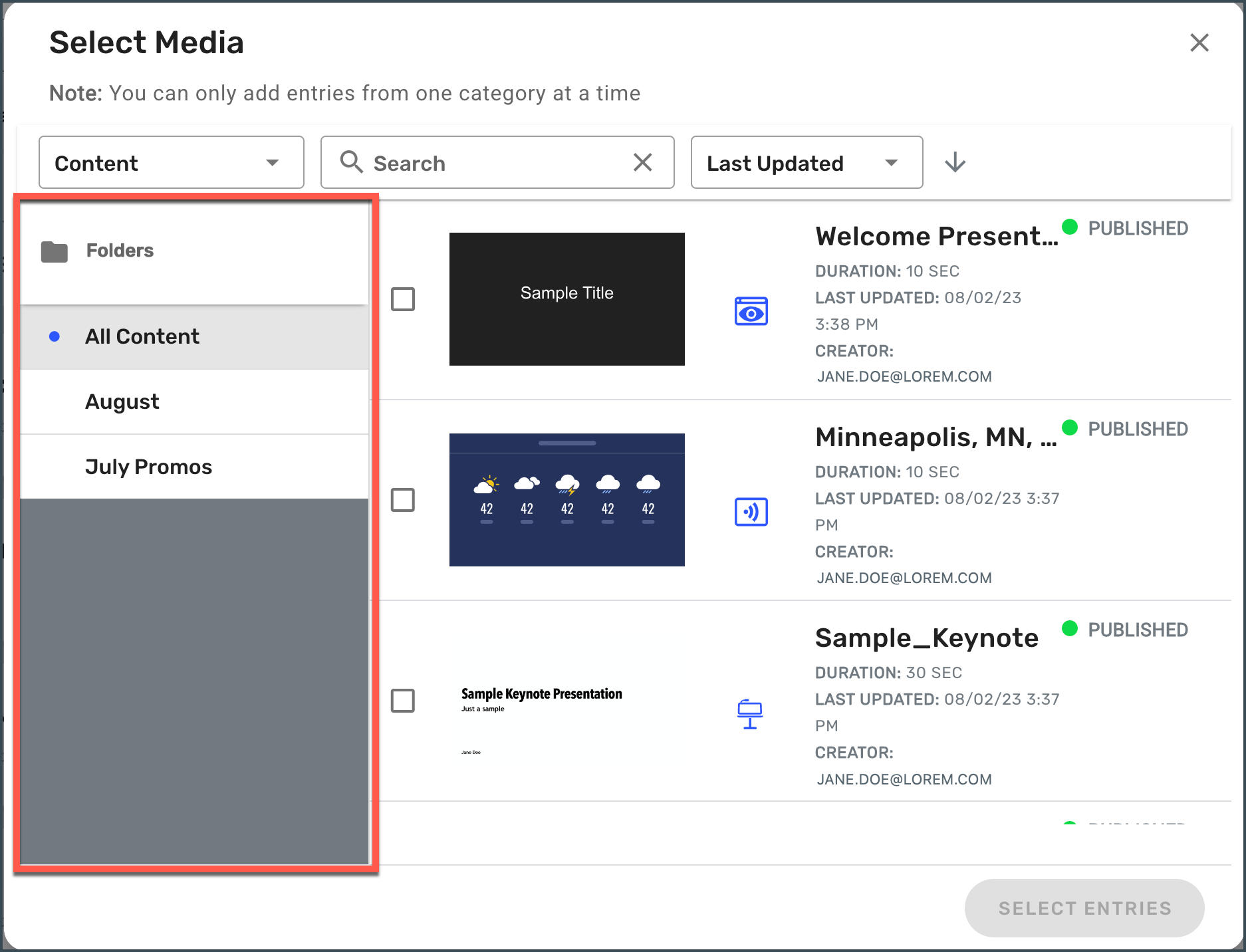
You can leverage Content Folders from the Select Media popup for Collections, Playlists, Tasks, Programs, and Displays to help you quickly find the content you’re looking for.
Click to change content or add entries
From the Select Media popup, choose content from the same Folders menu you see in your Content view