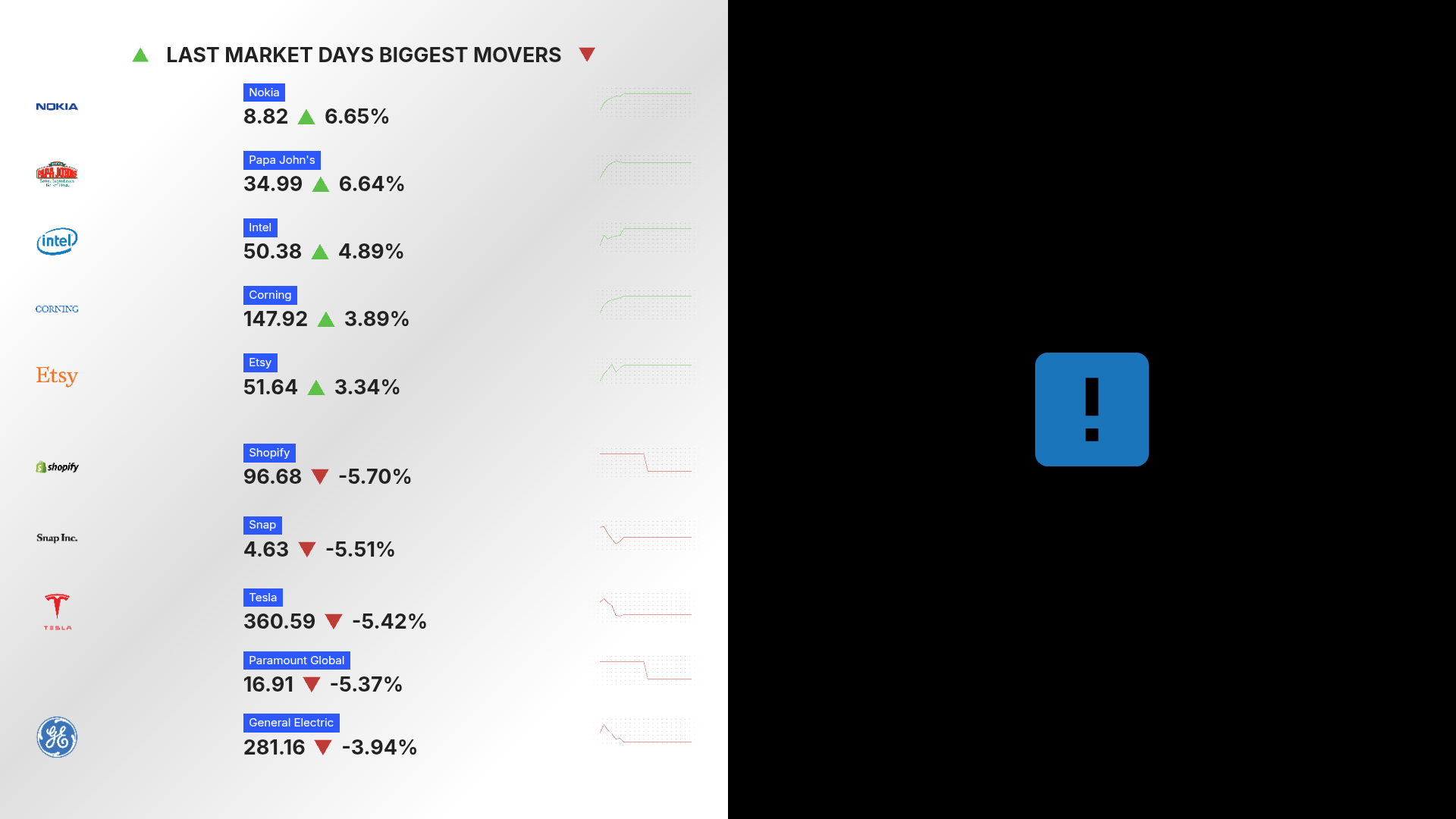
If you see a blue square with an exclamation mark on your Display instead of the content you were expecting, this means that the content within that layout segment cannot be play. This only occurs in scenarios where some of the content in the layout is valid and some is not. If all content is invalid, the entire segment will be skipped.
The most common reasons for this are:
The content in that Collections & Layouts or Program segment has been deleted from Beam
To resolve, navigate to your Collection or Program and add content to that segment
A multi-zone Program has been inserted into a multi-zone Collections & Layouts
To resolve, put supported content into that segment. Learn more at Programs in Collections - What Plays Where.