YouTube recently made a security change to embedded videos, causing previously supported embedded YouTube Web Views to show the error below on Skykit devices. 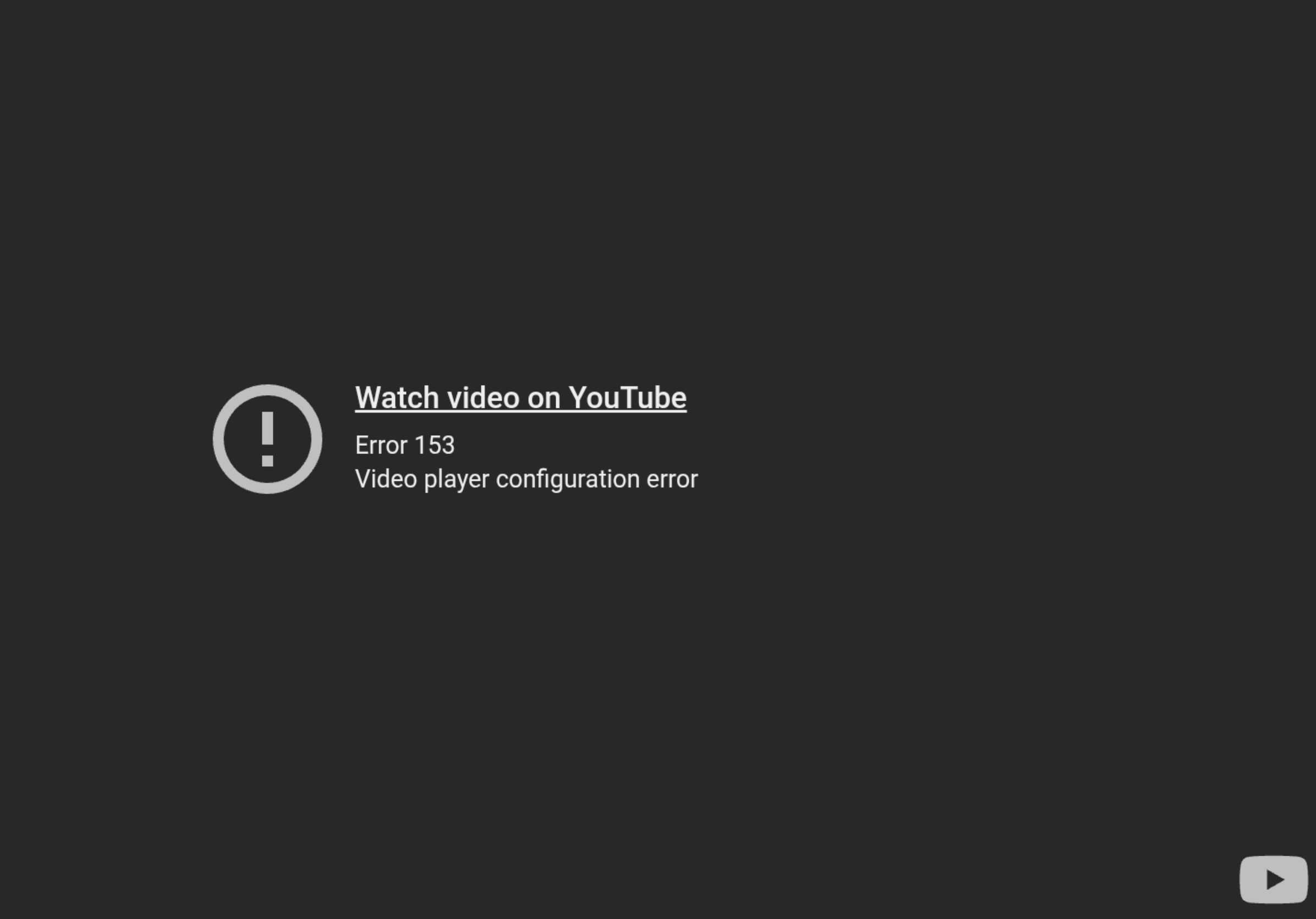
On Skykit Players
We have enabled a workaround for this in version 278 of our Android apps. If you are still seeing the issue, your apps likely need to be updated. There are two ways to update your apps. Both require that your device be online.
On the Physical Device
Get your device’s remote control or plug in a USB mouse or keyword.
Restart your device.
You should see a gear icon in the lower left corner if an app update is available.
Click the gear icon and wait for apps to update.
In Control
Click on the device you want to update.
Click on the Apps tab.
Click Update All Apps and wait for apps to update.
Still seeing the error after updating apps?
In certain scenarios, your network could be blocking traffic from YouTube or Skykit services. Check with your network team to make sure your network adheres to our best practices.