From the Devices window, select the device that you need to edit. The device detail window opens, defaulting to the Status tab.
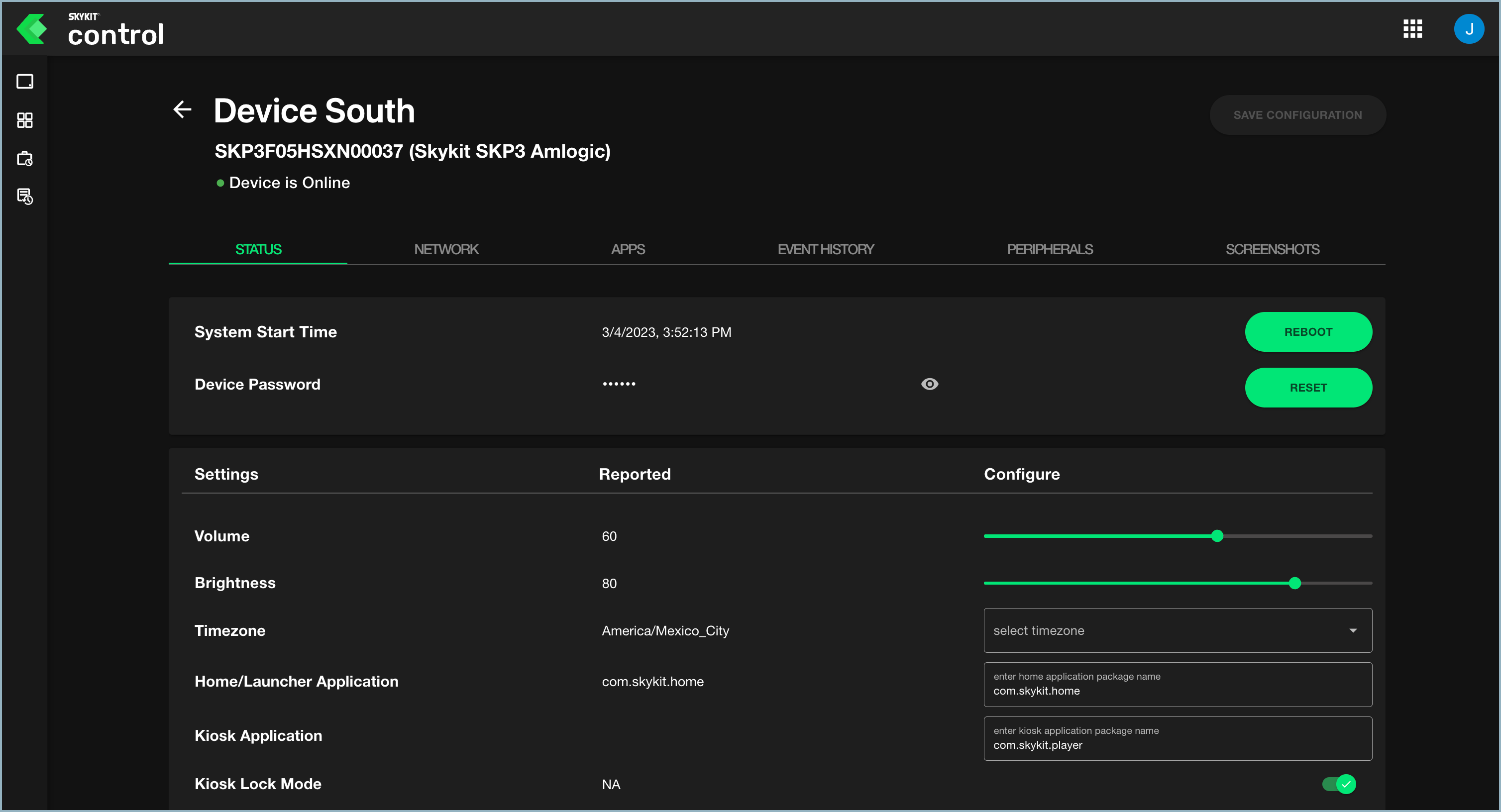
Scroll to the Timezone setting and select the appropriate time zone from the drop-down list.
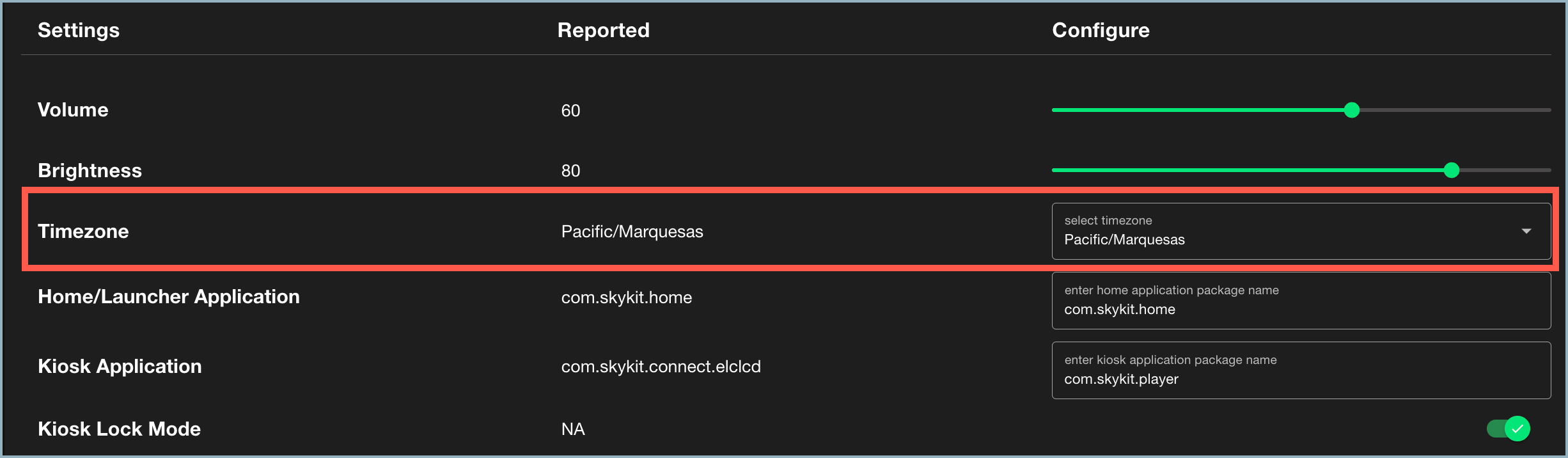
Select Save Configuration to save the change.
Important Note
The time zone set in Skykit Control affects time based settings in Control, such as scheduled reboot. This is distinct from the time zone set in Beam, which controls Beam features such as Play Rules. Read more here.